Bluetooth tracker finder
Find the AirTag signal even when your phone stays silent.
Scan active BLE broadcasts without waiting for the operating system to recognize the device or produce a notification. Search for AirTag and similar devices physically, with a strong antenna, single-target lock, and live feedback.

What does an AirTag finder do?
It turns a Bluetooth broadcast into a visible search.
An AirTag detector scans the Bluetooth Low Energy broadcasts around you and shows how the signal strength of your selected target changes. As the signal strengthens, you know you are approaching the source; as it weakens, you are moving away. This approach is used especially to shrink the physical search area in a car, bag, suitcase, home, or workspace.
AntiAirtag’s main purpose is to search active BLE broadcasts even when the phone never alerts. The iPhone and Android automatic unwanted-tracking alerts only work when conditions such as supported accessories, separation from the owner, moving together over time, and the required phone settings occur. Unbranded tags outside the Find My network or the tracking network Android supports, and some pet tracking devices, may fall outside these alert systems.
Mini and Touch do not wait for the operating system to recognize the device or produce a notification; they scan the BLE advertising packets broadcasting in range directly. So even if an AirTag reaches the phone in the cabin irregularly because it sits outside the car body or behind metal, or if a tag outside the official alert protocol broadcasts BLE, the search area can still be narrowed.
How does an AirTag detector work?
The detector listens to the BLE advertising packets in range. After the user sets aside known watches, headphones, and car accessories, they select a broadcast they cannot explain. The device follows that target’s RSSI value; Mini gives feedback with sound and vibration, while Touch adds a live signal view on its touch display.
RSSI is not exact distance or direction. Walls, the human body, metal, and car bodies can reflect the signal. For that reason, the same target is searched from different angles, in small steps, watching the trend of several measurements.
When is the phone app enough?
If you check occasionally and few Bluetooth devices surround you, the free mobile app is a good start. A phone can be used to view the route of a tracking alert if one exists, set aside unfamiliar devices, and run a simple hot-cold search. But a missing alert is no reason to stop scanning.
In an environment with heavy metal and signal clutter such as a car, the phone’s general-purpose antenna and operating-system limits can make searching harder. A stronger antenna, an external SMA antenna option, phone-free use, and physical feedback help at that point.
What should be done when a signal is found?
Finding a Bluetooth broadcast does not prove that a malicious tracking device was found. Do not pass final judgment on brand, owner, or purpose before seeing the physical device. If you feel unsafe, stop searching, move to a safe area, and in an emergency call 112.
When you find an AirTag, photograph the device and where you found it; save any phone alert and get the serial number via NFC. The absence of a notification does not erase the importance of the physical finding. In near risk, neutralize the device per the manufacturer’s guidance. If you will contact law enforcement, ask how to hand over the device without breaking or resetting it.
Two devices, one purpose
Choose the model that fits how you search.
Both models scan BLE broadcasts, lock onto a target, and pair a 3D internal antenna with an external SMA antenna option.
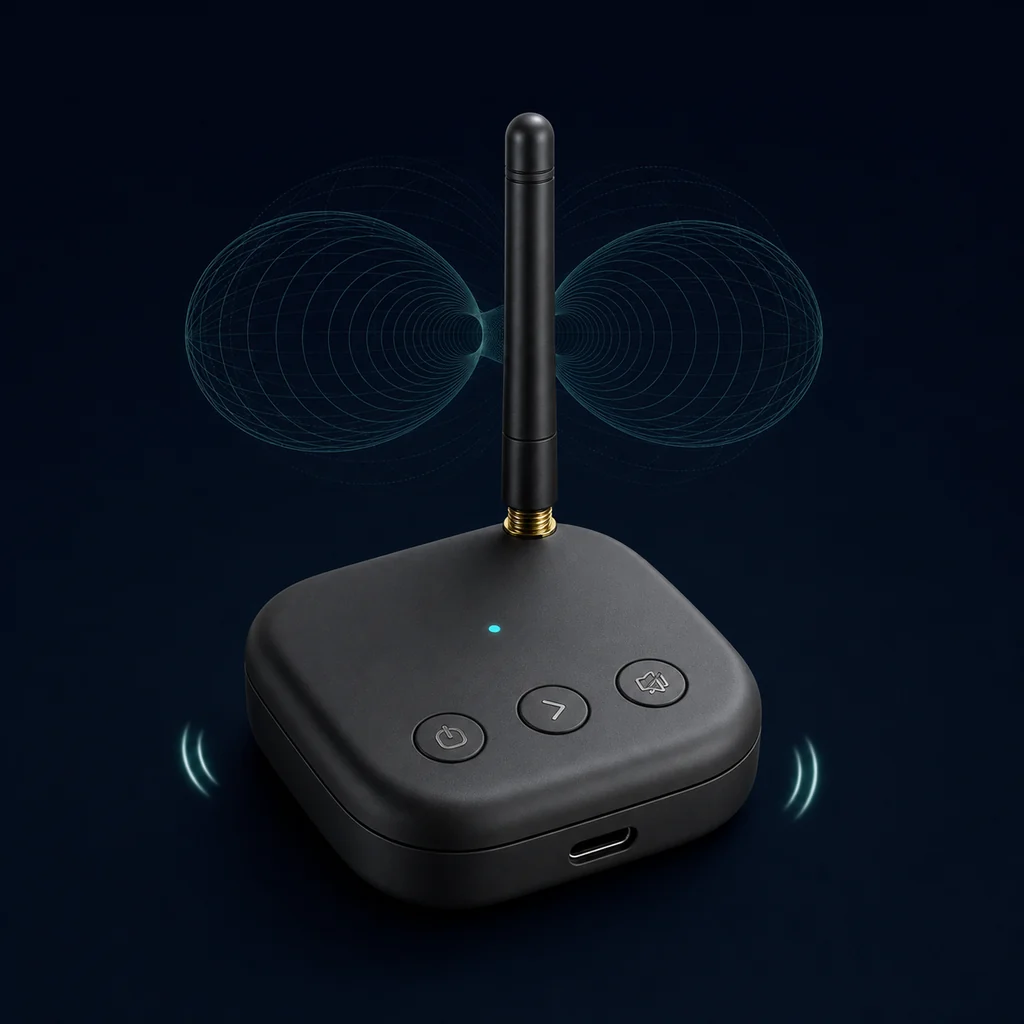
Affordable · compact · standalone
AntiAirtag Mini
Turn it on, scan, and select the target. Sound and vibration that grow with the signal guide you to the source without looking at a screen.
- Standalone use without a phone
- Sound and vibration feedback
- USB-C charging and app connection
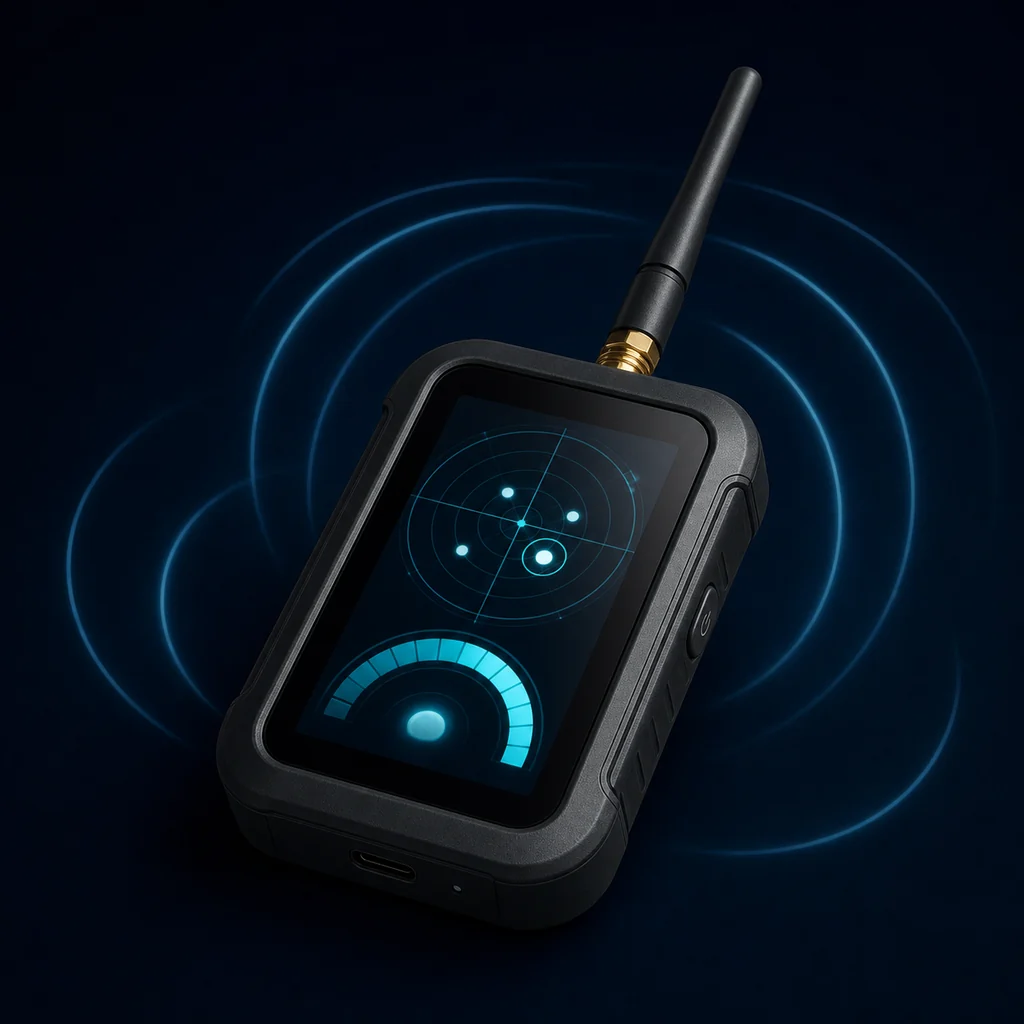
With display · advanced · standalone
AntiAirtag Touch
See the device list, target selection, and live signal trend on its own touch display; manage everything without the app.
- Touch device list
- Live signal view
- USB-C and app support
Where is it used?
Wherever the suspicious signal moves.
Searching a car for an AirTag
Split the cabin, trunk, and accessible outer body into zones, and follow the selected signal from different angles.
Car guide → 02Bag and belongings check
Separate the items you carry; narrow the search to whichever object the same target stays with.
Bag guide → 03Home and office scan
Whitelist known devices, record the normal environment with a baseline, and compare new broadcasts.
Technical guide →Before you buy
Straight answers about AirTag detectors.
The right expectation matters as much as the right product.
Does an AirTag detector show the exact location of the device?
No. RSSI signal strength gives approximate proximity; walls, people, and metal reflections can affect direction. Repeated measurements from different angles narrow the search area.
Can it find every AirTag?
Only compatible devices that broadcast BLE while in range and during the scan can be seen. Devices that are off, out of battery, shielded, or use non-Bluetooth tracking cannot be detected.
Does it still scan when the phone never alerts?
Yes. Mini and Touch scan active BLE advertising broadcasts in range independently of the operating system producing an “unwanted tracking” notification. An unbranded tag or pet tracker outside the official alert network can appear in the list if it broadcasts BLE.
How is it different from a phone app?
Dedicated hardware offers an antenna built for Bluetooth search, continuous target lock, and physical sound/vibration feedback. That can be an advantage especially when searching weak broadcasts hidden outside a car or behind metal from different angles.
Is it a signal jammer?
No. AntiAirtag is a passive signal finder; it does not interfere with communications. It helps you physically find the suspicious broadcast.
When will the products go on sale?
Mini and Touch will be available soon. You can use the email link on the product page for early access and launch notifications.

Coming soon
Don't wait for an alert. Search the active signal.
Get in touch to hear when AntiAirtag Mini or Touch goes on sale.